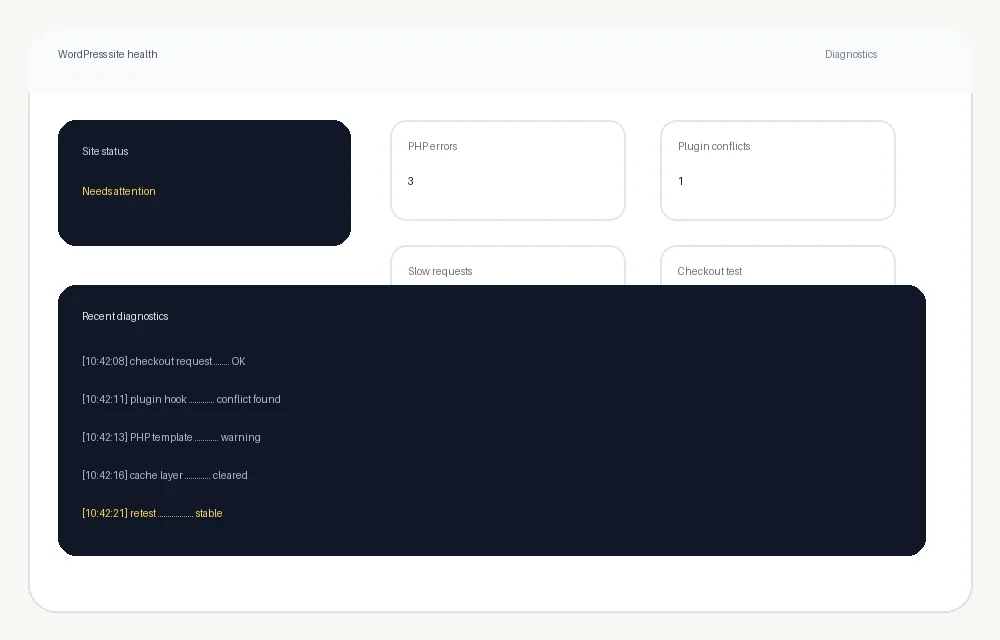
PHP errors and white screens
Fatal errors, warnings, broken templates and failed requests can come from the theme, a plugin, PHP compatibility or custom code. We trace the error instead of hiding it.
Broken layout. Plugin conflict. Slow page. Checkout problem. PHP error. A strange issue after an update.
We find the cause, fix what is actually broken, test the site and get out of the way. One-off troubleshooting is welcome.
Tell us what you expected to happen, what is happening instead and when the problem started. Screenshots, error messages and steps to reproduce it help, but they are not required before you ask.
We can investigate the WordPress layer, theme, plugins and the surrounding server configuration where access allows.
Fatal errors, warnings, broken templates and failed requests can come from the theme, a plugin, PHP compatibility or custom code. We trace the error instead of hiding it.
An update can break another plugin, checkout flow or frontend feature. We isolate the conflict and choose the least disruptive fix.
CSS, JavaScript, Gutenberg blocks, theme templates and cached assets can all create visual problems. We fix the cause and test common screen sizes.
WordPress core, PHP, themes and plugins move independently. We compare what changed, reproduce the issue and decide whether to patch, replace or safely roll back.
Cart, checkout, shipping, payment and order problems can involve WooCommerce itself, extensions, theme overrides, caching, API calls or payment-provider configuration.
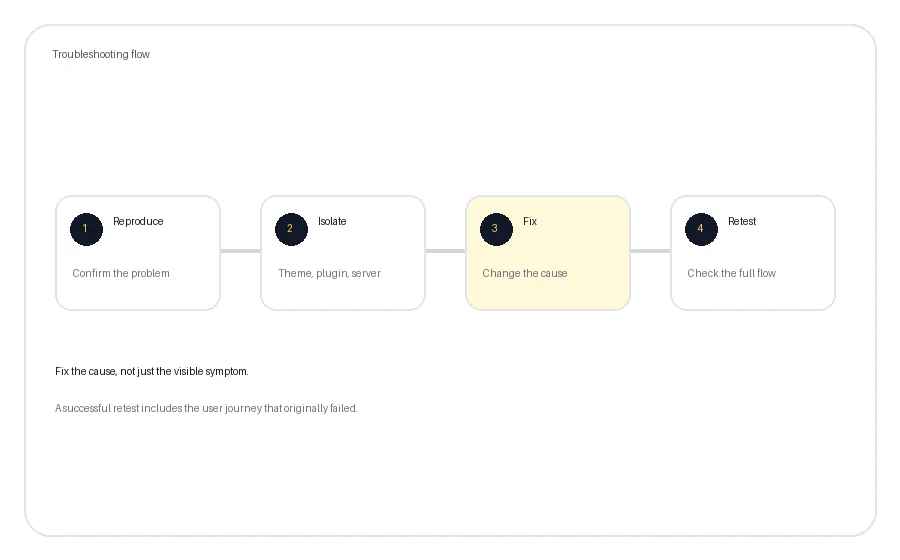
We reproduce the failing journey first, then investigate the components involved.
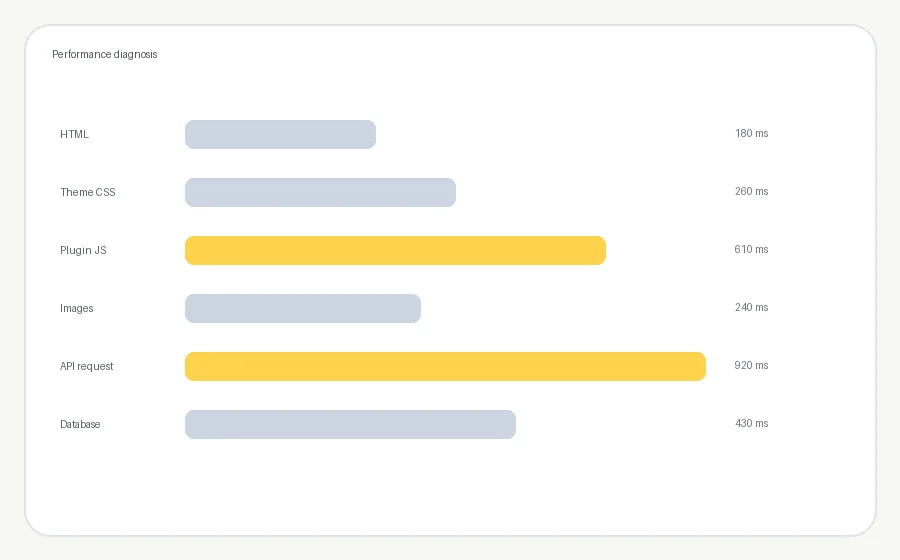
A slow site can come from heavy plugins, database queries, third-party scripts, large images, uncached requests, poor hosting or a combination of several things.
We look for the bottleneck before deciding what to change.
We establish the steps, affected pages, users or devices and whether the problem is consistent or intermittent.
We narrow the issue to WordPress core, theme, plugin, custom code, database, external service or server configuration.
We prefer a targeted correction over replacing half the site simply because one component failed.
A fix is not finished because an error disappeared. We retest the feature that was actually failing and check for obvious side effects.
Where the job allows it, we want a current backup and a way to reverse material changes. Larger or riskier fixes may be tested on staging before touching the live site.
We will also tell you when a problem belongs with the hosting provider, payment processor or another third-party service rather than pretending every issue can be solved inside WordPress.
Theme changes, migrations, redirects, JavaScript and template edits can affect crawling and indexing. When the issue overlaps with search, we can connect the technical work with our SEO services.
For WooCommerce stores with catalogue-level search problems, see our Ecommerce SEO services.
Yes. WordPress troubleshooting does not need to become a monthly marketing contract. If the problem is a one-off fix, we can treat it that way.
Often, but it depends on the cause and the access available. Server outages, suspended hosting or external infrastructure failures may require the hosting provider as well as WordPress troubleshooting.
Yes. We can investigate WooCommerce cart, checkout, payment, shipping, order and extension conflicts where the required access is available.
For material changes, we prefer a current backup or another reliable rollback path. The exact approach depends on the urgency, hosting environment and type of fix.
Sometimes. The correct fix may be configuration, a compatibility patch, replacing a conflicting component or updating custom code. We first identify the actual conflict before choosing the solution.
No responsible developer can guarantee that on an unfamiliar production site. We reduce risk through backups, targeted changes and testing, and we explain any important limitations before larger changes.
If you have a screenshot or error message, include it. If not, describe the problem in plain English and we can start from there.